


When the Assessment Cannot Stop.
Secure digital exams across connected and disconnected environments, with the operational controls institutions need before, during and after delivery.
 On-site Offline Remote Testing center
 Offline Isn't a Backup Mode. It's an Assessment Strategy.
Design for continuity instead of hoping the network holds. Run exams without continuous network dependency, and synchronize through controlled workflows when connectivity returns.
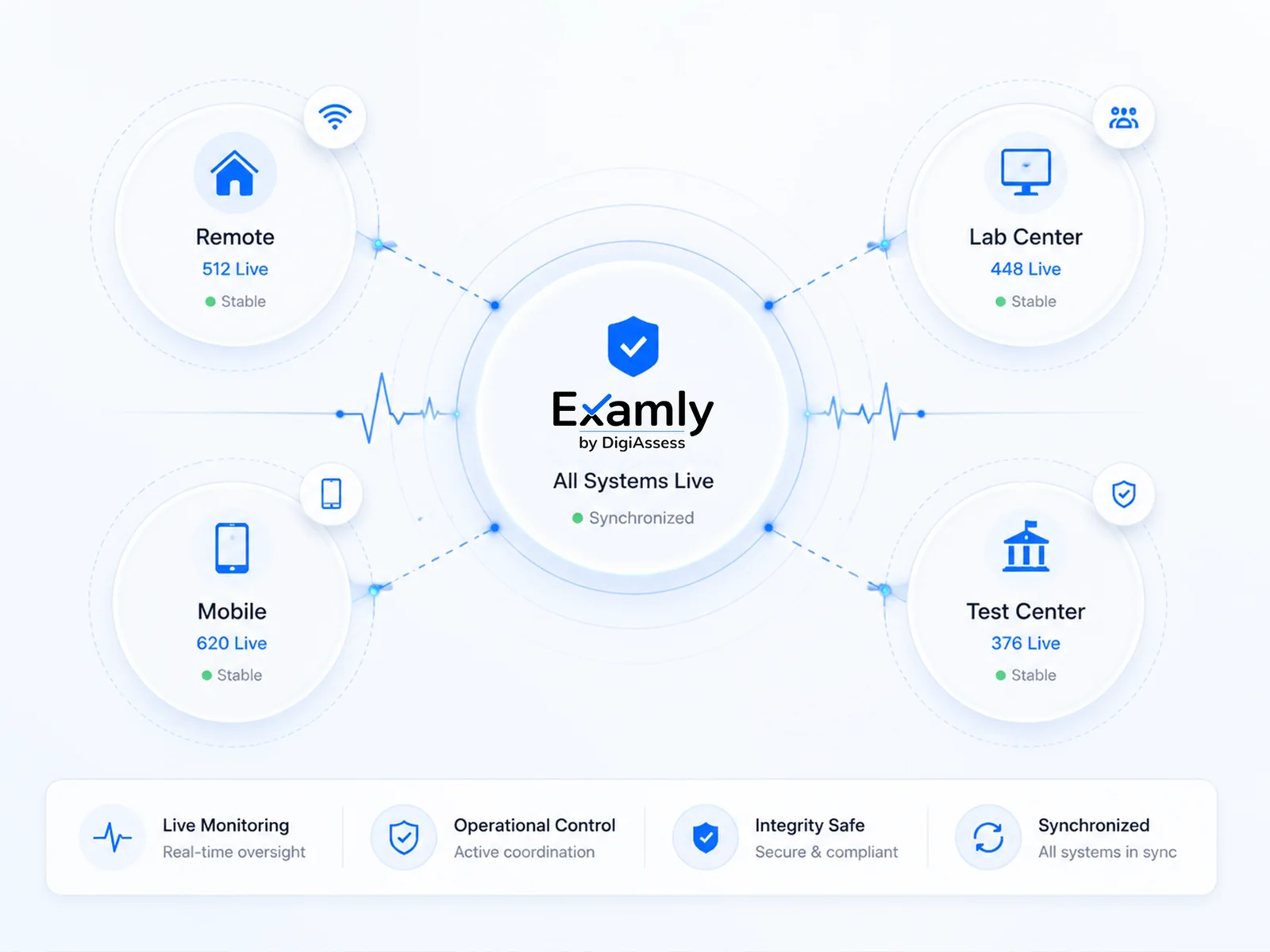
See the Exam While It Is Happening.
One shared view of candidate status, progress, timing and exceptions across rooms, testing centers and remote sessions, so teams respond consistently instead of escalating informally.
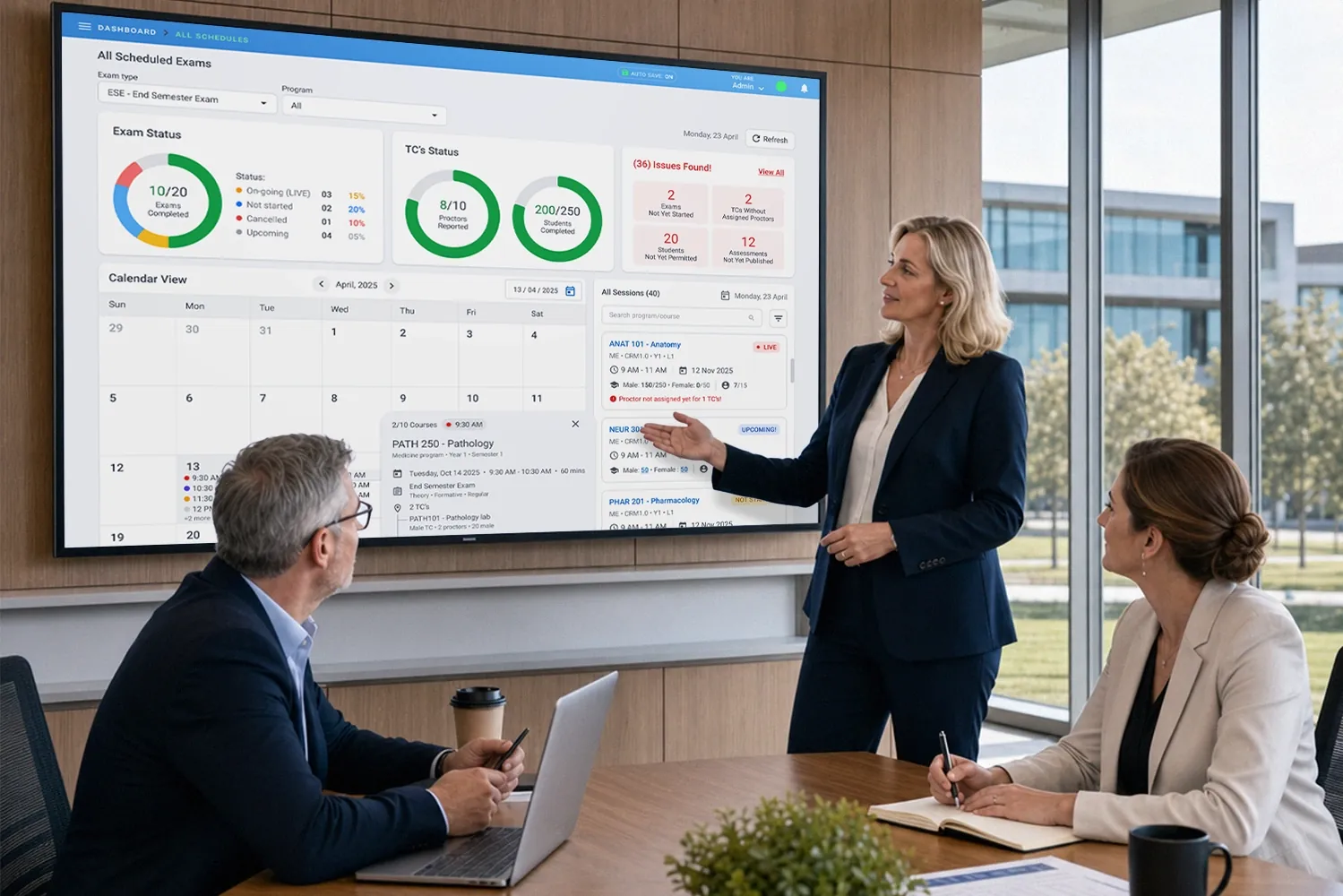
Sample exceptions for illustration.
Intervene Without Losing Control.
When an authorized exception occurs, teams can take controlled actions such as adjusting permitted time or resolving session issues inside governed, traceable workflows rather than informal workarounds.
Illustration. Available actions depend on your configuration and policy.
Different Environments. One Examination Standard.
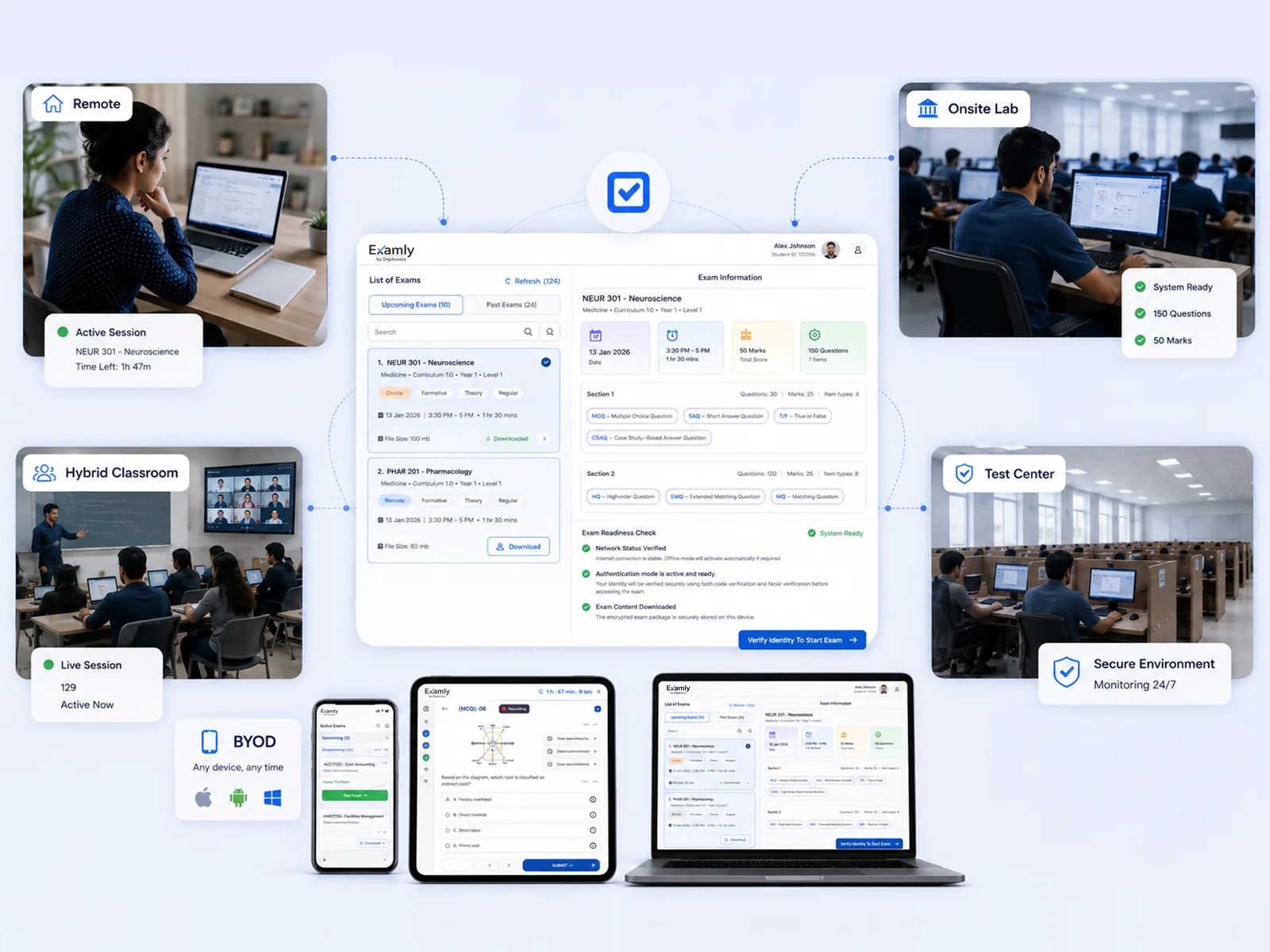
On-site, offline, remote, BYOD and testing centers aren't separate products. They're ways to apply one assessment standard in different operational contexts.
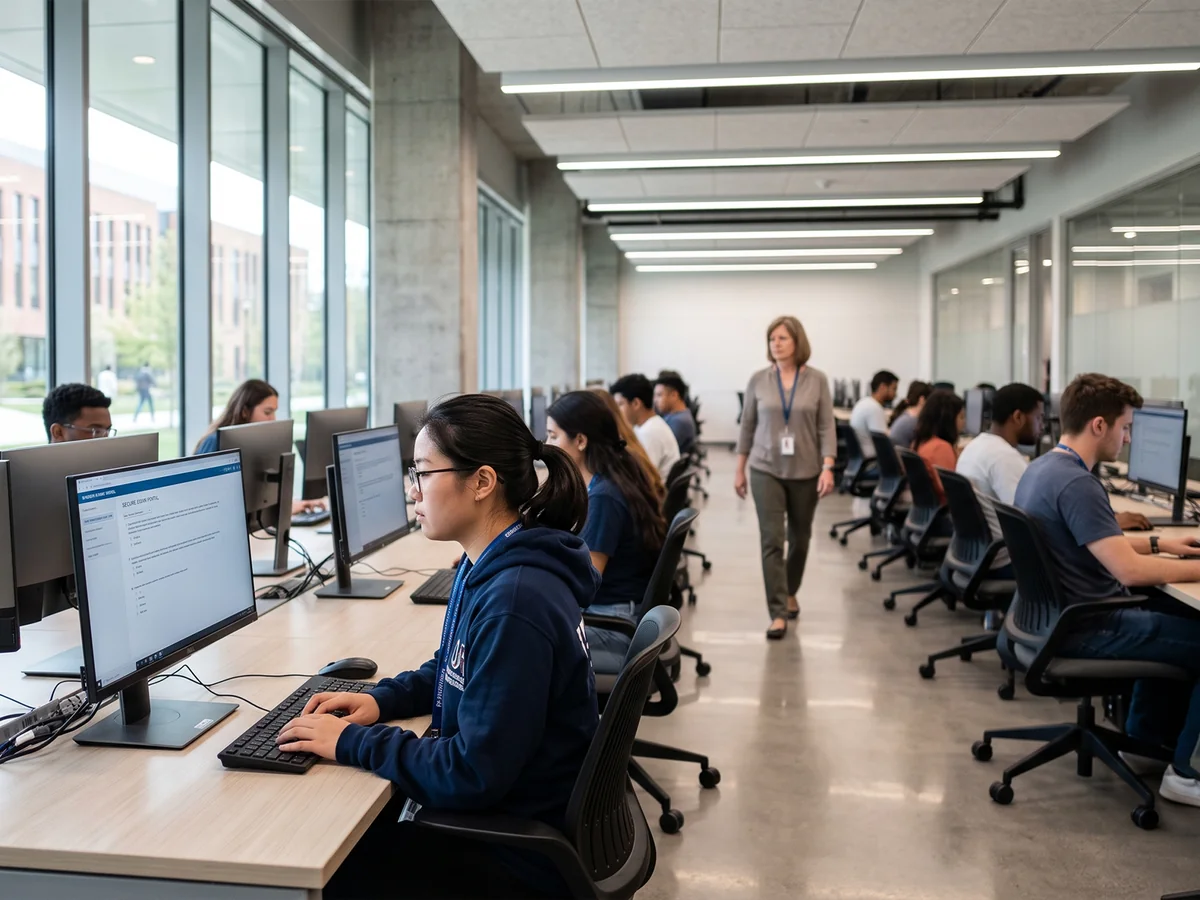 On Campus Lab
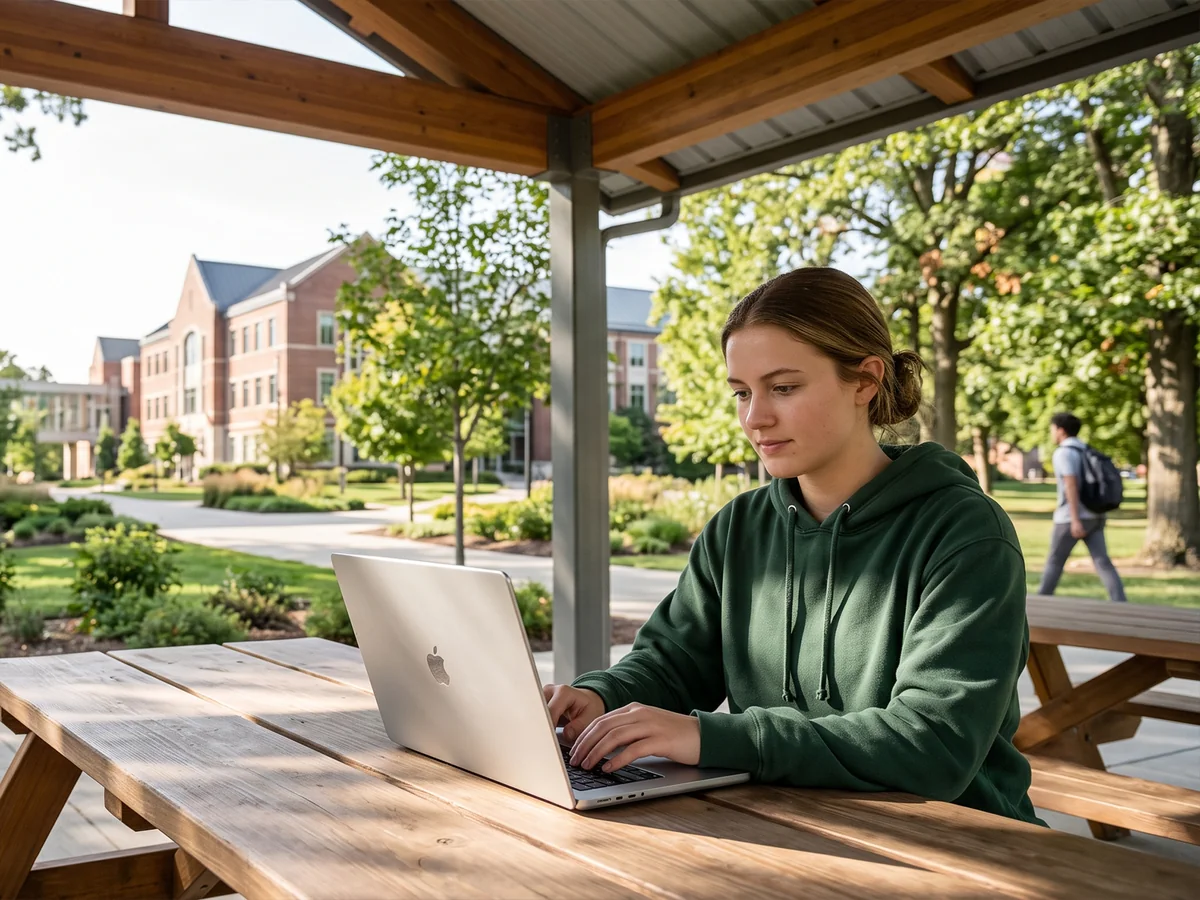 Offline Mode
 Remote Exam
 Classroom Exam
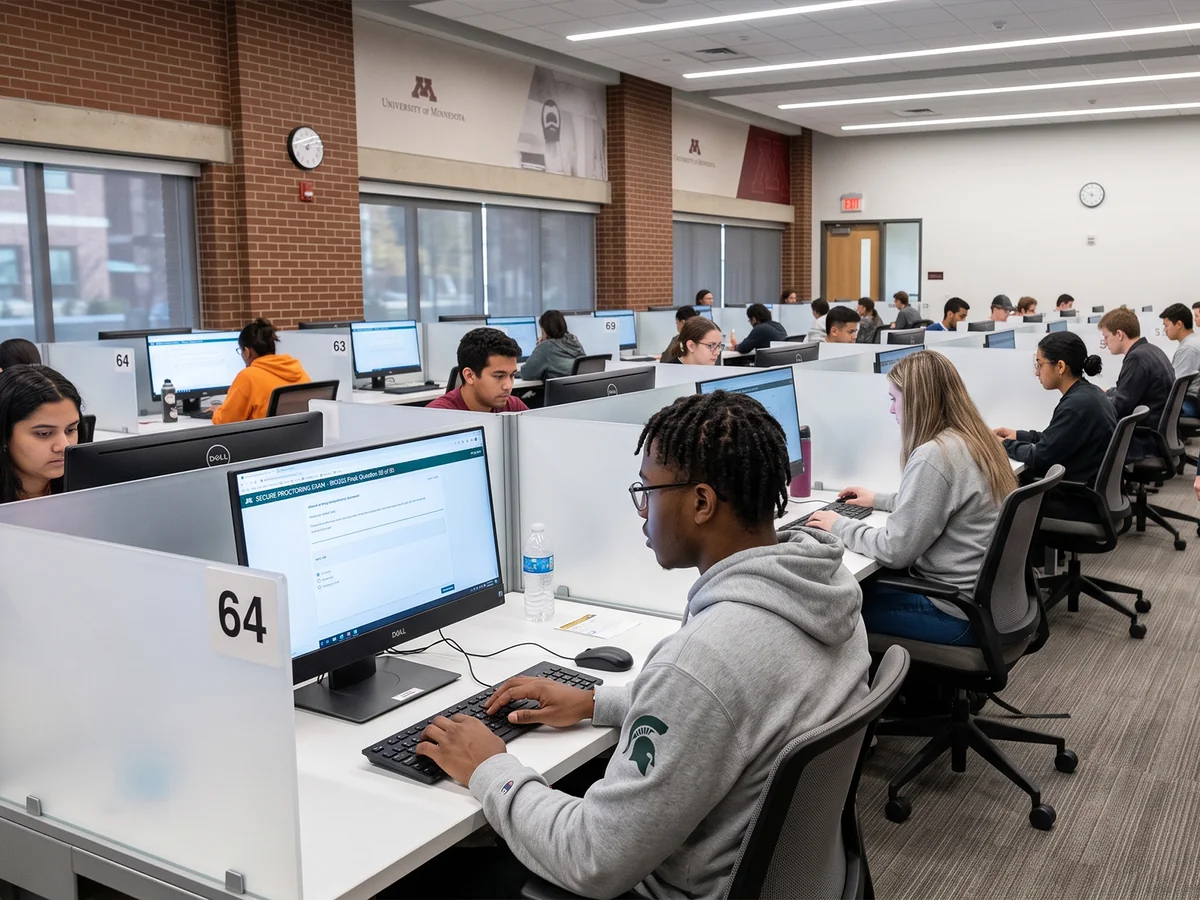 Test Center
Institution-controlled labs and classrooms.
Running secure exams? See exam security controls, offline assessment continuity and AI proctoring with human decisions.
One Secure Application. Every Exam Condition.
Proctoring options, device support and operational controls in one examination application.
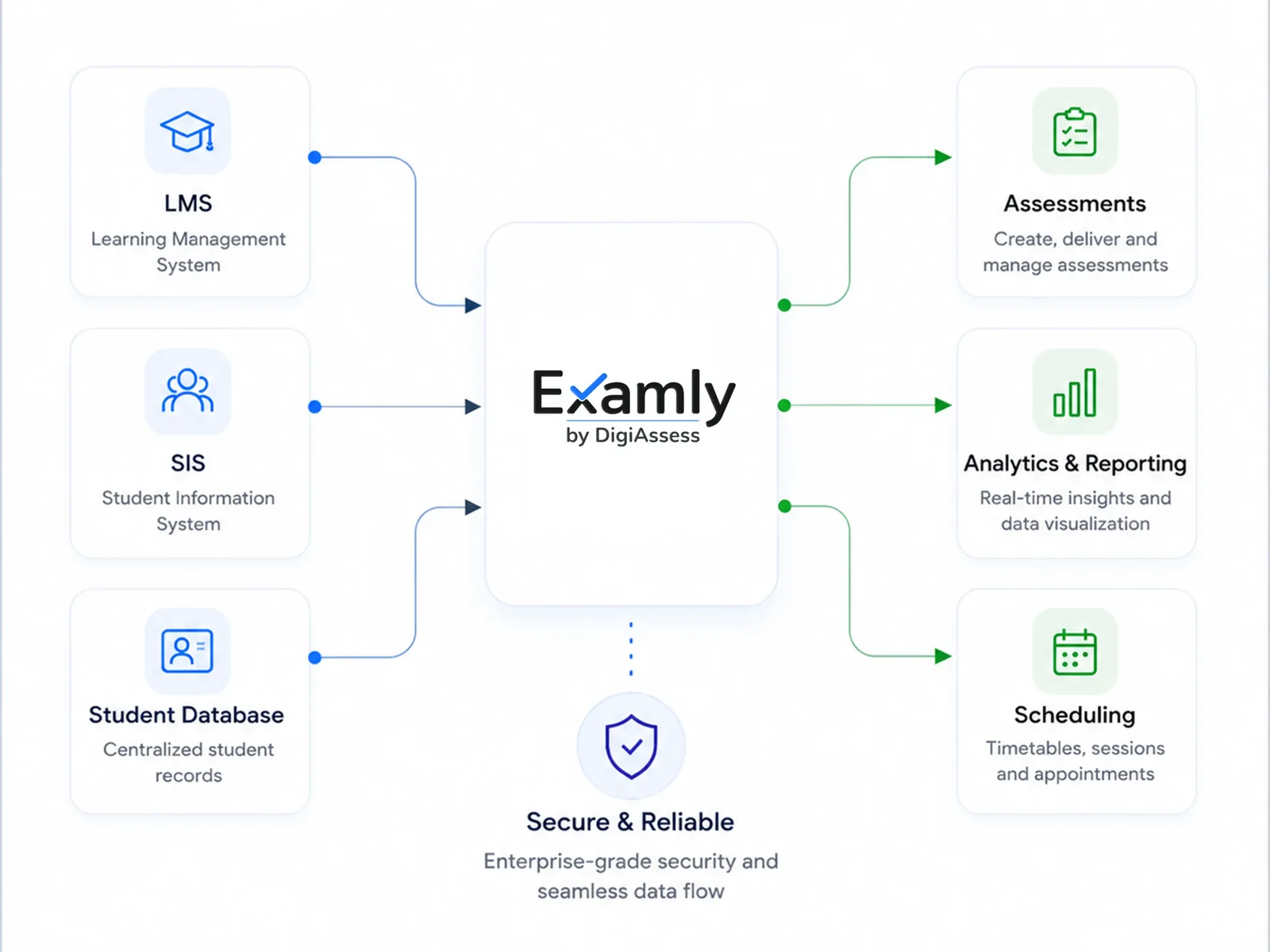
See How Examly Works
Step through the experience.
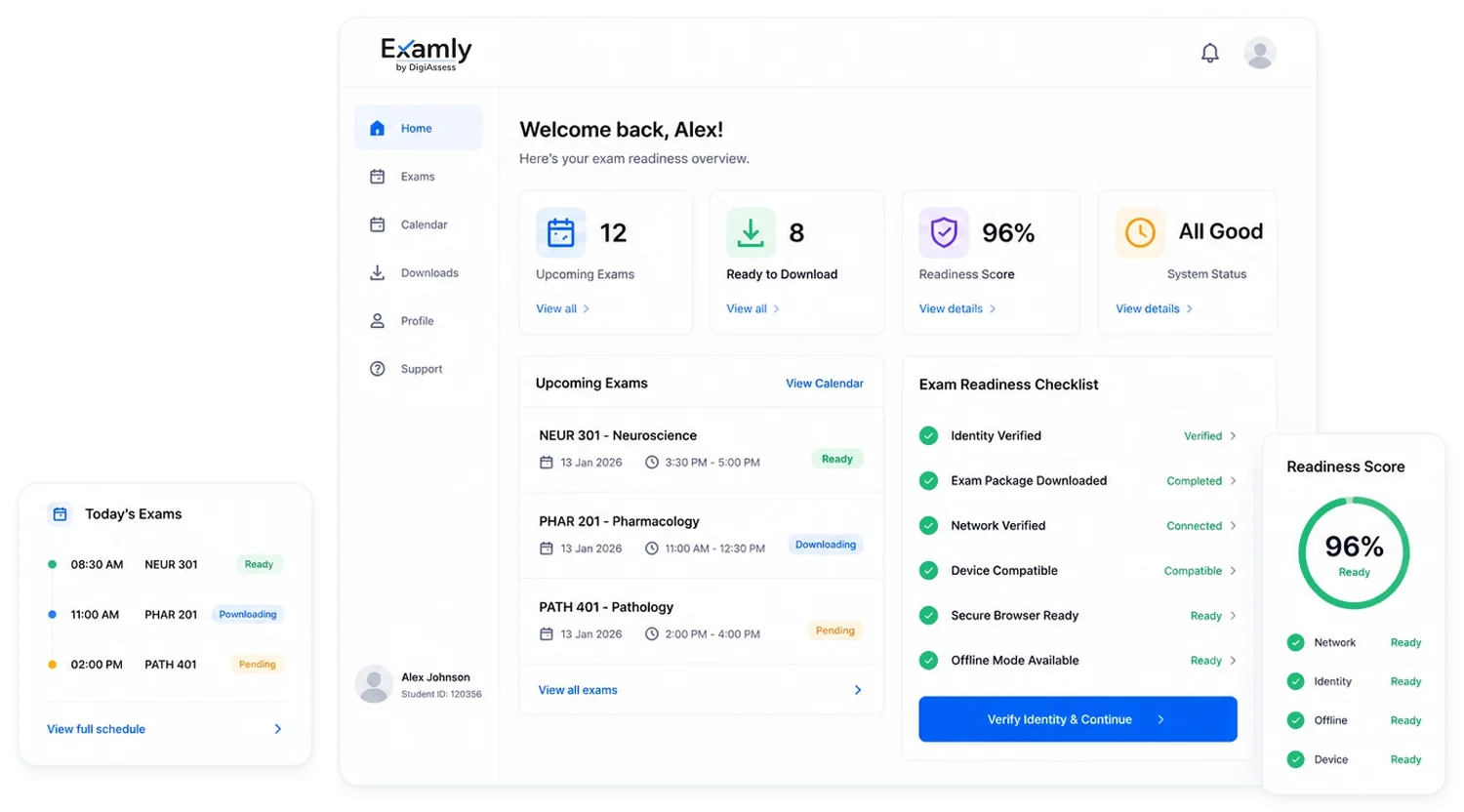
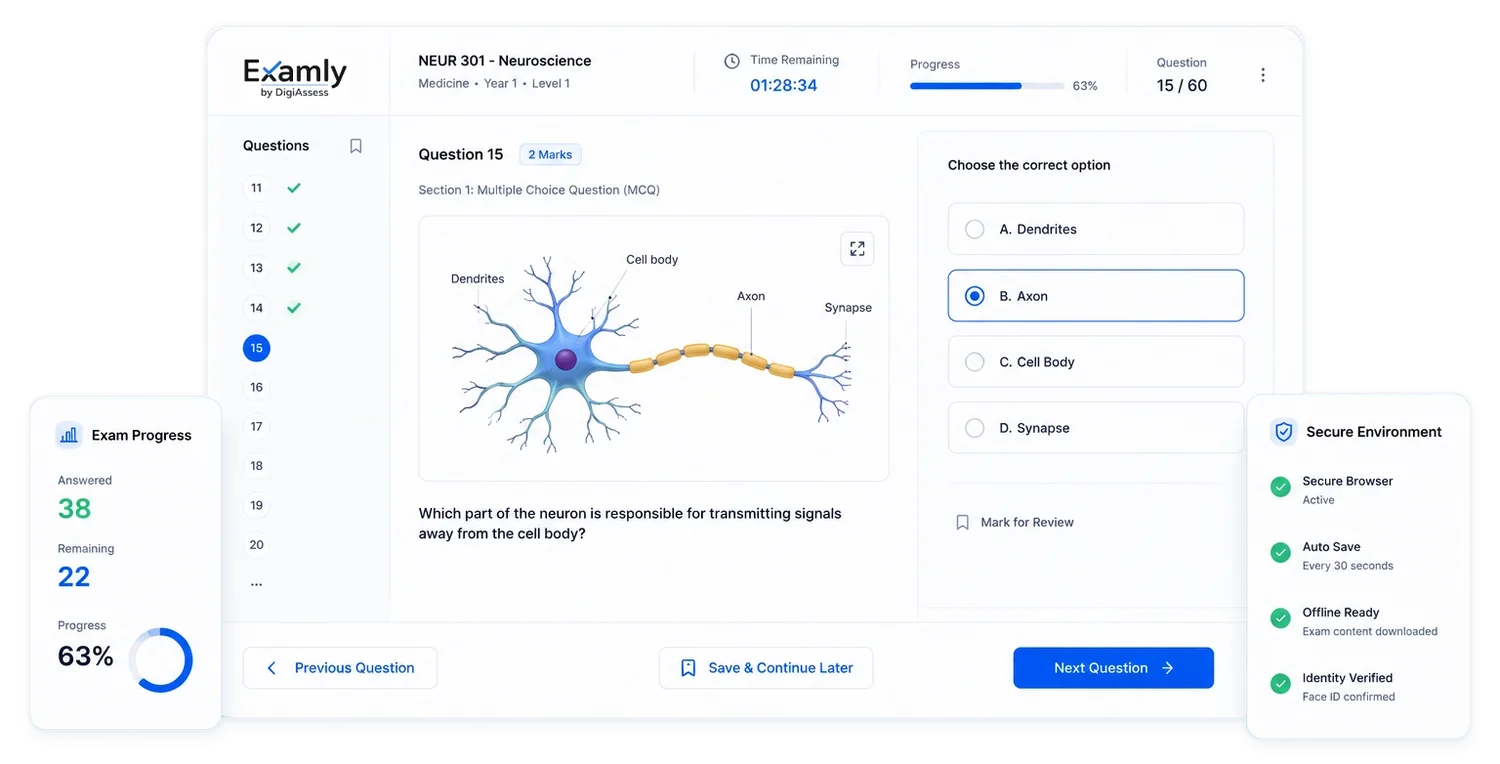
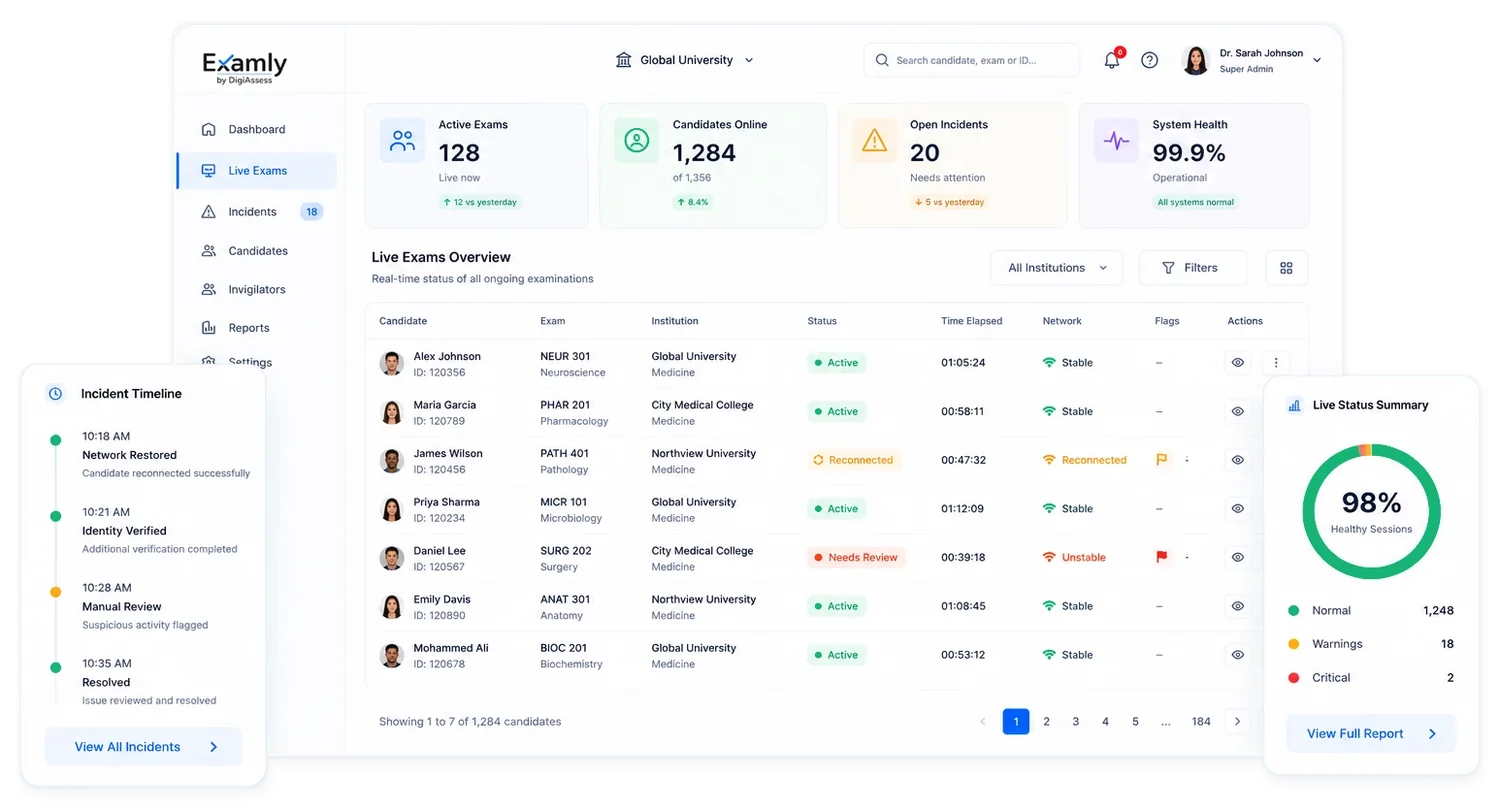
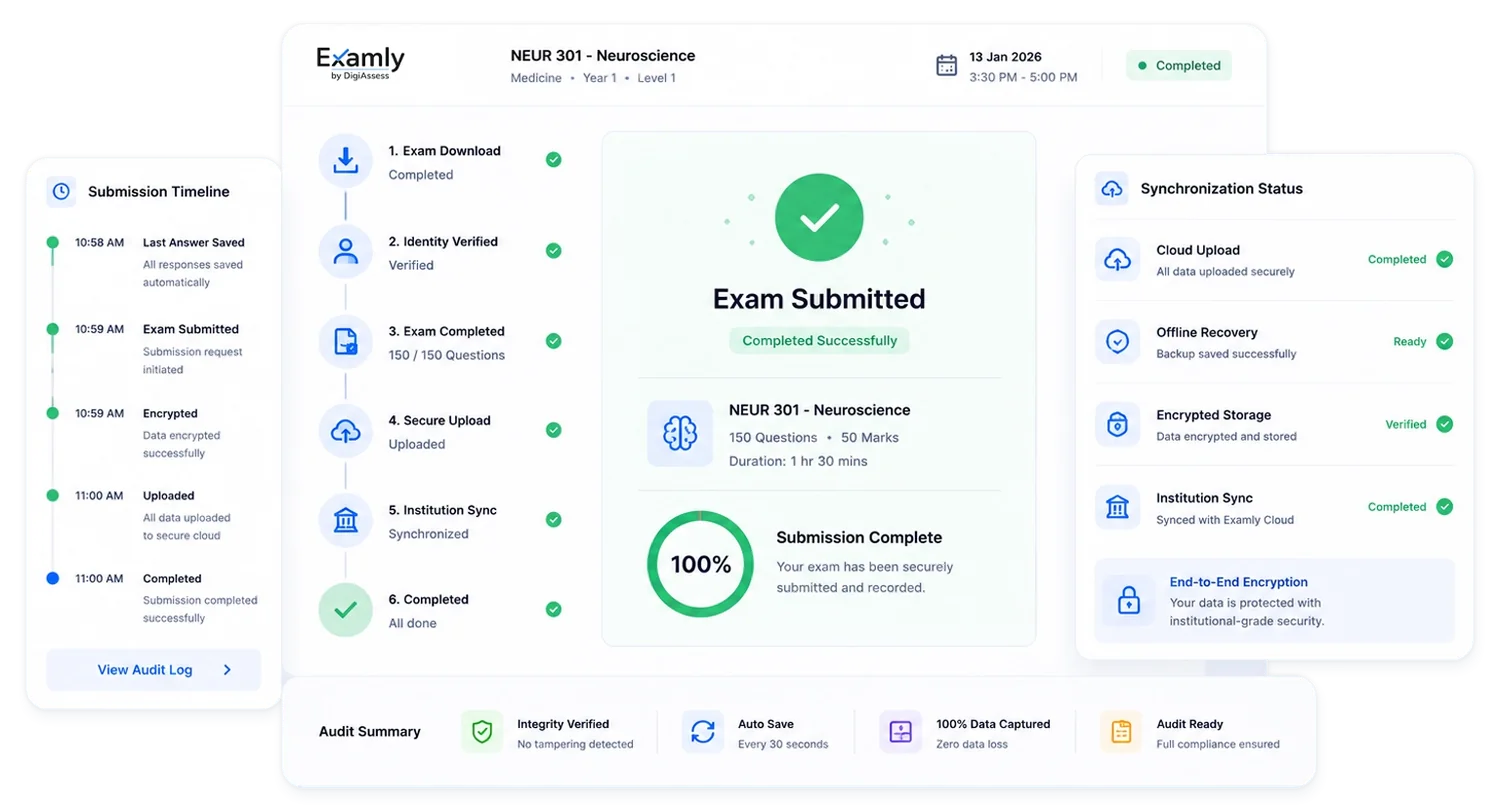
See Examly in Action.
Bring your exam calendar, venues and connectivity constraints. We'll show how Examly keeps every session running and every result defensible.